

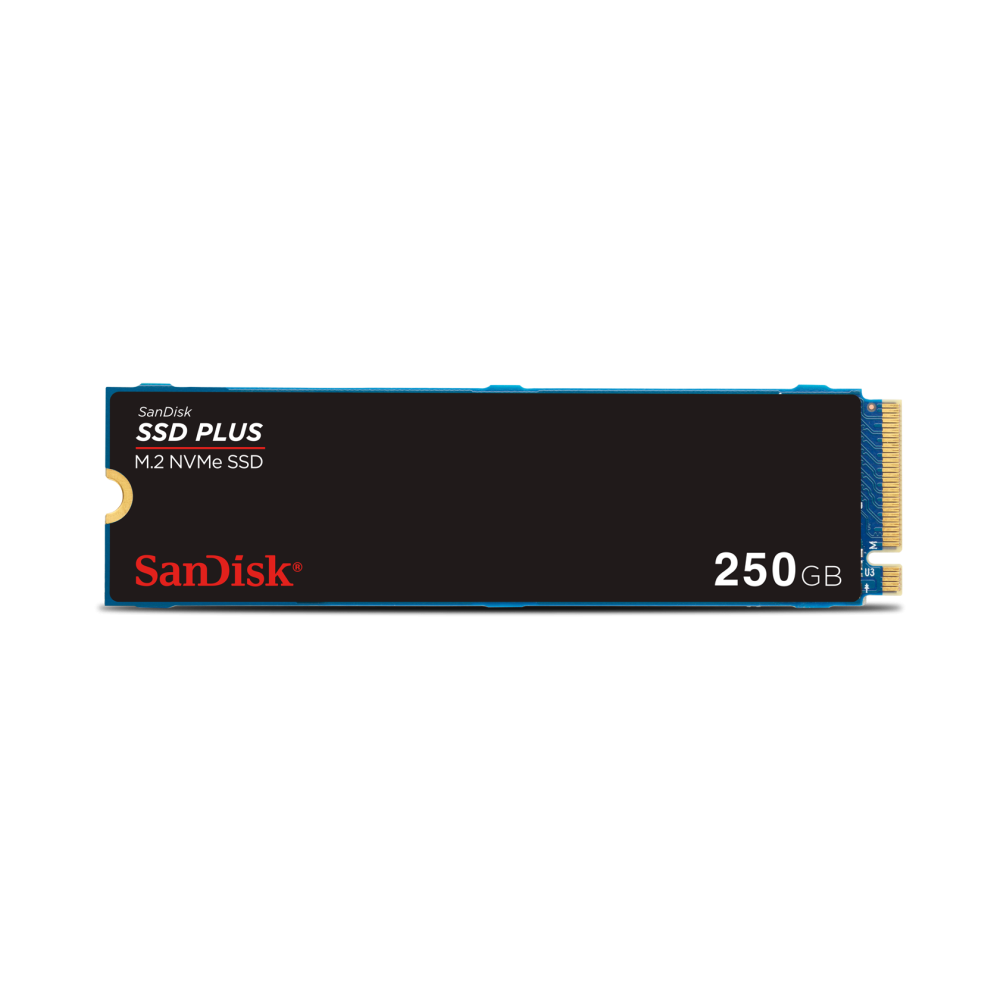
The SanDisk SSD PLUS 250GB is an M.2 2280 NVMe Gen3 drive built for one job: a fast boot drive for Windows and everyday apps. It reads at up to 2400MB/s, up to five times faster than SATA drives, and installs with a single screw.
Key features
- Up to 2400MB/s sequential read and 1500MB/s write (250GB model)
- PCIe Gen3 x4 NVMe interface in the M.2 2280 form factor
- No heatsink needed; installs with one screw
- 40 TBW endurance rating
- Free Western Digital Dashboard software for drive health monitoring
Specifications
| Capacity | 250GB |
|---|---|
| Form factor | M.2 2280 (22 x 80mm) |
| Interface | PCIe Gen3 x4, NVMe |
| Sequential read | Up to 2400MB/s |
| Sequential write | Up to 1500MB/s |
| Endurance | 40 TBW |
| Warranty | 3-year SanDisk limited warranty |
| Operating temperature | 0 to 70°C |
| Weight | 7.5g |
| Model number | SDSSDA3N-250G-G26 |
| Compatibility | Windows 10 or later; any M.2 slot that supports NVMe |
Good to know
The drive needs an M.2 slot that supports NVMe. It also runs in Gen4 and Gen5 slots at full Gen3 speed, but it will not work in an M.2 slot that supports SATA only.
FAQ
Is the SanDisk SSD PLUS good as a Windows boot drive?
Yes, that's what it does best. Read speeds of up to 2400MB/s make Windows 11 start-up and app launches noticeably quicker than on a SATA SSD or hard drive.
Is 250GB enough for Windows and games?
It comfortably holds Windows and your core apps, plus two or three large AAA games or a set of lighter competitive titles. For a bigger library, keep it as the system drive and add a games drive later.
What is the difference between NVMe and SATA?
NVMe runs over PCIe lanes, while SATA tops out at around 550MB/s. Here that means reads of up to 2400MB/s from the same M.2 slot.